Shared iPhone Calendars vs iMessage Coordination
Planning fails when confirmations stay in chat threads instead of moving to the calendar.
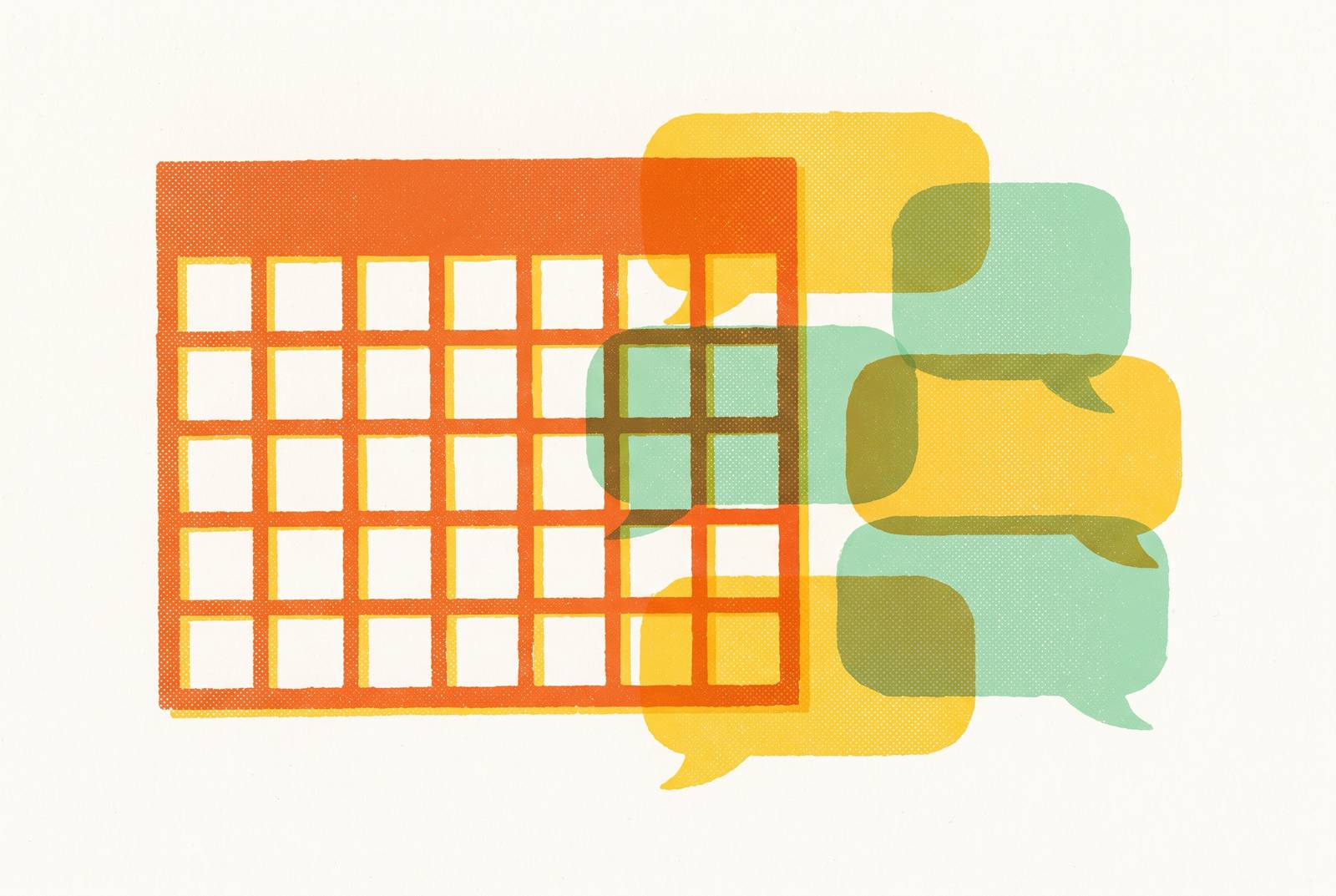
Shared iPhone calendars and iMessage are not competing scheduling tools. They solve different problems at different stages of a plan's life: the calendar organizes commitments that have already been made, while iMessage is where the negotiation happens, where a "we should" either becomes a locked date or quietly dies. What looks like a scheduling failure is usually a handoff failure. The plan never gets from the thread to the calendar, because that specific moment belongs to neither tool.
What each tool is actually built to do
The iPhone's shared calendar is a structured record of commitments that have already been made. It holds events with times, places, and participants that everyone has agreed to, and it syncs those events across every device logged into the relevant accounts. Its entire design assumes the decision is settled. It does not ask whether people want to meet, and it has no mechanism for resolving the ambiguity of an unanswered invitation.
iMessage carries conversation, and conversation is where the social negotiation actually occurs. The "are you free," the "we should do something soon," the tentative enthusiasm and the awkward silence all live in the thread. Apple's own architecture reflects this split, keeping the two functions cleanly separated rather than attempting to merge them into a single interface. The gap between them is not a bug that either tool has failed to fix. It is the handoff moment itself, and it belongs to neither.
How shared iPhone calendars actually work and where they hold up
For households where plans have already been made, shared iPhone calendars do exactly what they promise. They create a single visible record that everyone can consult without sending another text. A manually shared iCloud calendar travels by email invite to specific people, with permissions set per person: Read-Only or Allow Editing, labeled View Only and View & Edit in the Mac Calendar app. This granularity makes the tool genuinely useful for sharing a narrower calendar with someone outside the Family group, such as one child's activities or a custody schedule.
The practical design principle that emerges from how the permissions work is simple and defensible. Each calendar should have a single job. One can hold whole-household events, while separate ones carry narrower uses, rather than dumping every category into a single calendar and relying on permission settings to keep order. Used this way, the shared calendar functions as reliable infrastructure. The records are accurate, the sync is fast, and the visibility is exactly what everyone agreed to when the event was created.
Where shared calendars break down: the human layer
Shared calendars fail not because the technology is unreliable but because they assume a coordination habit that most households never actually form. The first failure mode is the overloaded calendar, one so noisy that nobody trusts it. Every soccer practice, work shift, and personal reminder piled into the "Family" calendar until people mute notifications entirely and stop consulting it. At that point the calendar is no longer a record anyone checks. It is a repository that has lost its audience.
There is a second, more structural objection to the advice that people should simply use the calendar more. The calendar is a tool for people who have already decided to meet. It cannot generate the social will to do so, and it cannot fix the earlier problem of plans that never get confirmed. Asking the calendar to solve coordination is asking a ledger to produce decisions. The failure lives upstream, in the conversation that never resolves.
Why iMessage is where plans actually form and most often die
The dominant coordination tool among iPhone users is iMessage, and the group chat dynamic that makes it powerful for social connection is the same dynamic that kills plans before they reach the calendar. iMessage captures plans with zero friction. There is no app switching, no choosing a project or priority level, no inviting participants. A person simply gets the thought out in the same thread where the conversation is already happening. Productivity thinking calls this capture, and iMessage is optimized for it precisely because it demands nothing of the sender.
The group chat rewards reacting, not deciding. Everyone waits for someone else to move from "we should" to "we are," and because no one wants to be the pushy one, the thread drifts until the plan quietly dies in a conversation nobody scrolls back through. Psychiatrist Dr. Jeff Katzman frames an invitation as a relational bid, something close to "I'd like to spend time with you; would you like to spend time with me?" When the second part goes unanswered in a group thread, ambiguity fills the gap rather than a plan. The emotional cost of being the permanent initiator compounds the problem. It takes real social courage to keep asking, and the person who initiates most often is also the person most likely to stop if they feel like a pest.
iMessage's own features encode this tension. iOS 18's Send Later, introduced in September 2024, allows scheduling messages up to 14 days ahead for iMessage conversations, which makes it useful for follow-ups. But the feature is limited to blue-bubble conversations and does not work for SMS to Android users, drawing a hard technical line around iMessage-native productivity habits as an Apple-ecosystem phenomenon. The structural reason confirmed plans fall apart remains the thread itself. Once someone says yes, putting the plan somewhere visible, with a time, a place, and a reminder, is the difference between a confirmed intention and one that fades.
The follow-up problem: why plans die between "yes" and the calendar
Plans die not because people don't want to meet but because the coordination work that moves a "yes" into a locked date has three structural failure points, each of which the iMessage thread is poorly designed to handle. The first is the open-ended ask. "When are you free?" is the single biggest source of scheduling friction, because it transfers the entire coordination burden to the other person. That person must mentally scan a calendar, weigh energy levels, and consider travel time before even beginning to respond. The ask that feels polite is actually the hardest ask to answer.
The second failure point is that a group chat "yes" is not a commitment. There is no formal "I'm in," no visible RSVP mechanism, and no cost to flaking. Plans without a commitment mechanism carry a substantially higher flake rate than those with one. The stakes are not merely social, either. Research published in Policy Insights from the Behavioral and Brain Sciences in March 2026 describes friendship as a public health asset with consequences for individual flourishing and societal levels. When coordination fails repeatedly, the cost extends beyond a missed dinner.
What good coordination actually looks like: the handoff from thread to calendar
The two tools become genuinely complementary when something handles the handoff, moving a plan from negotiation in the thread to a confirmed event on the calendar, rather than leaving that work to the person willing to keep nudging. The handoff has two jobs. The first is getting to a locked date inside the conversation where the plan is already forming. That requires something that can propose specific times, surface availability without asking everyone to check their own calendars separately, and absorb the social awkwardness of being the one who keeps following up. The second job is putting that date somewhere visible, with a time, a place, and a reminder, so it doesn't live only in a buried thread.
The second job is exactly what the shared iPhone calendar is built for. Once a date is confirmed, the calendar becomes the household's source of truth, visible to everyone who needs to know, with sync speeds that make it reliable infrastructure. The gap between the two jobs is where most plans die, and it is a gap no calendar feature closes, because the calendar only receives confirmed plans. It does not produce them. Text Pencil exists for that specific gap. It is an iMessage-native AI assistant that lives inside the group chat, helps find a time, follows up without anyone having to be the pest, and sends the calendar invite, all without anyone leaving the conversation. Group participants see availability rather than private event details, which keeps coordination discreet as well as frictionless.
The product philosophy behind Pencil matches the thesis directly. Scheduling should happen where the plan is already forming, not on a separate booking page or inside another app to download. The calendar then does its job as infrastructure for the commitment that has already been made. Pencil also addresses the relationship memory problem that no calendar natively holds: knowing who you've been meaning to see and how long it's been. Repeating that context every time is a form of friction, and removing it is part of what keeps plans alive at the front end.
Privacy in the group chat: what a scheduling AI should and shouldn't know
Adding any AI assistant to a personal group chat raises a legitimate question about what it reads, retains, and shares, and the answer depends entirely on how the tool is designed, not on AI scheduling as a category. The concern is structural. A scheduling AI must know relationship history, contact preferences, personal availability, and the contents of conversations to do its job well. The more it knows, the better it works, and the more there is to protect. Harvard University's institutional response, restricting AI meeting assistants in university meetings unless formally vetted with contractual data-protection guarantees, signals the direction concern is heading at the institutional level. So does public sentiment: Pew Research's 2026 findings show roughly seven-in-ten Americans predict AI will make their personal information less secure, even as chatbot use continues to rise.
This is why the practical standard for evaluating any scheduling AI in a personal context comes down to two questions. Does it share the minimum information needed to coordinate, availability rather than the content of what someone is doing? And does it give users a way to turn off features they don't want? Pencil's design addresses this through a concrete architectural choice: group participants see availability, not private event details, and follow-up bumps can be disabled in settings. That is not a general privacy promise but a specific decision about what information is shared and what is withheld.
How to set up the two-tool system that actually works
The most reliable coordination system for iPhone users is not a single tool but a two-stage setup. iMessage, with something to handle the handoff, gets a plan to the point of confirmation, and a shared iPhone calendar holds it once it's made. Stage one happens inside the conversation. Propose specific dates rather than open questions, since two to four options is the range practitioner sources recommend. Set a decision deadline explicitly in the thread: "I'll lock Saturday if nobody objects by Thursday." That gives the conversation a closing mechanism. Use a follow-up, whether a person or a tool like Pencil, to move the thread from "sounds good" to a confirmed time. The follow-up is the step most consistently skipped and most responsible for plans dying.
Stage two moves the plan to the calendar. Once a date is confirmed, add it to the appropriate shared calendar immediately, not later. The moment of confirmation is the moment of lowest friction for this step. Set permissions deliberately: View & Edit for co-parents and partners who actively manage the schedule, View Only for grandparents, childminders, and others who need visibility but not control. A day-of reminder, either a calendar alert or a message in the original thread, is the last structural failure point. Plans confirmed days in advance still fall apart when nobody sends one. The system works because each tool does only what it is built for. iMessage gets to a confirmed plan, the shared calendar holds it in a visible, reliable place, and the handoff between them is explicit rather than assumed.